Start with discovery
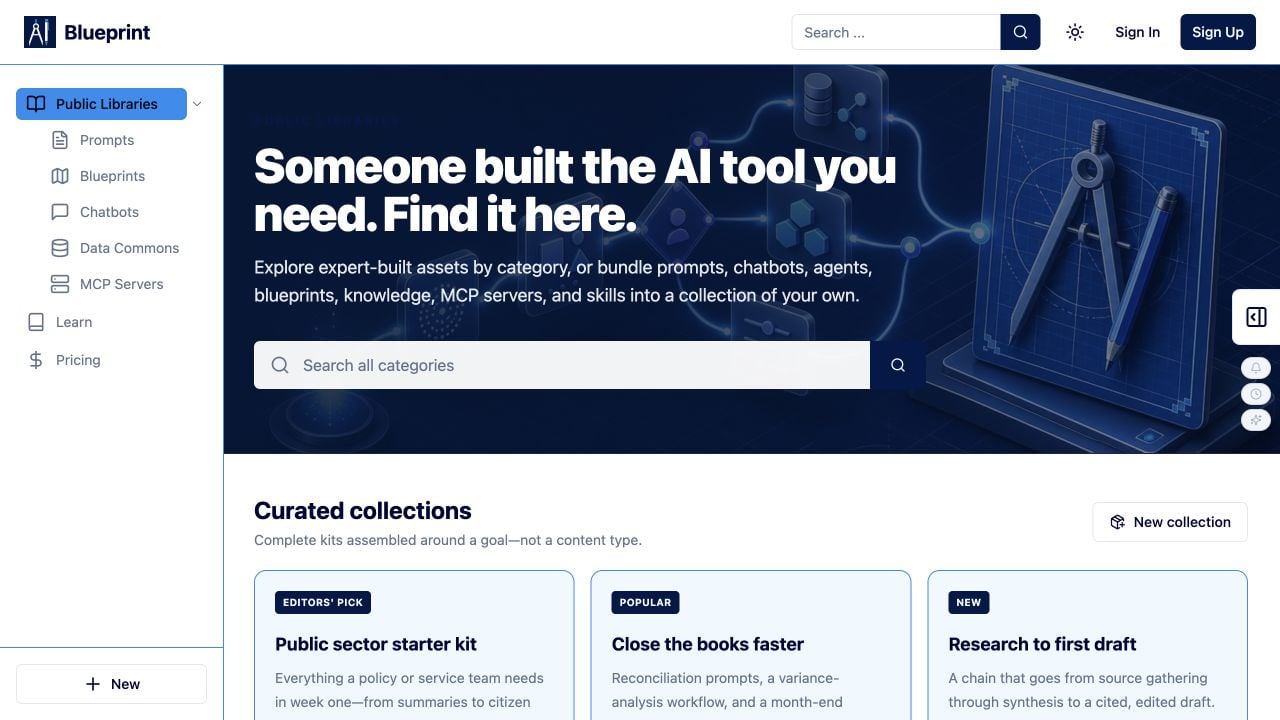
The fastest path to useful AI is often to start with work your team or community has already built. Blueprint makes discovery a first-class part of the workspace, so you can find an asset, understand its dependencies, and decide whether to reuse, fork, or build something new.Public Libraries
Public Libraries is the catalog of community-published Prompts, Blueprints, Chatbots, Agents, Data Commons, MCP Servers, and Tools / skills. Browse curated collections, search by goal or topic, filter by category or asset type, and open an asset to review its description, creator, visibility, tags, inputs, outputs, and available actions. Use Public Libraries without signing in to explore possibilities. Sign in when you are ready to run, save, fork, or continue an asset in your workspace. Start here: https://docs.iblueprint.ai/using-public-libraries-in-blueprintOrganization libraries
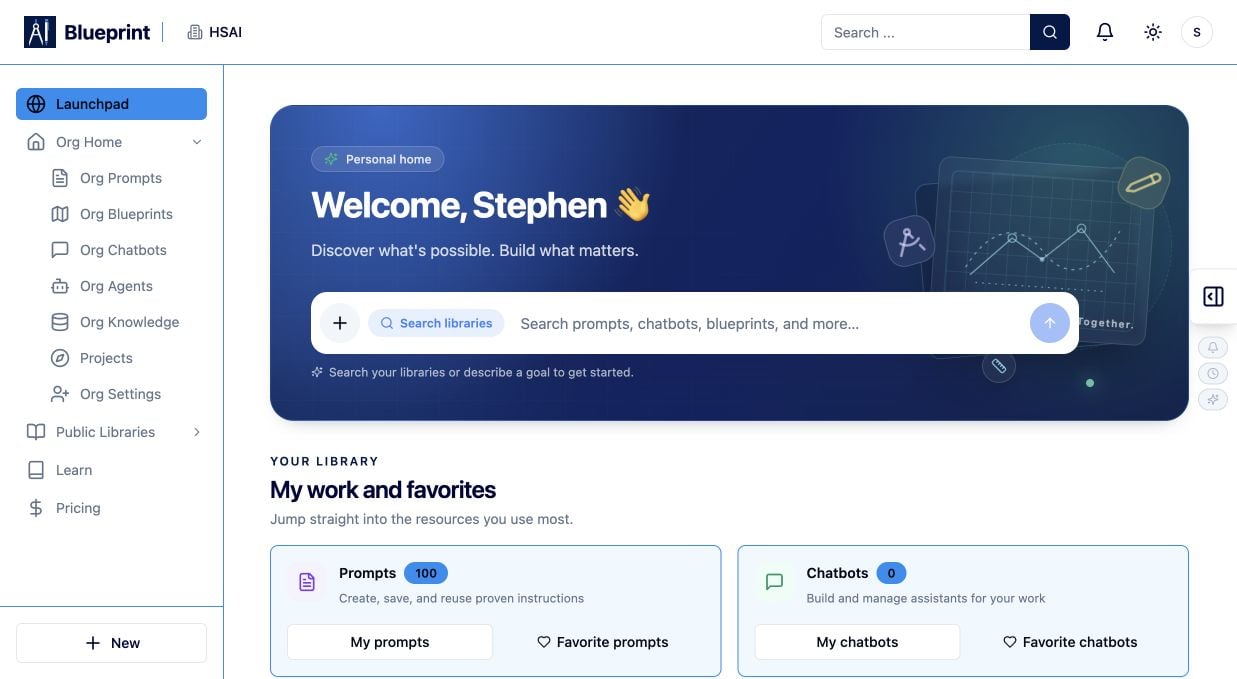
Signed-in teams can discover governed, organization-owned resources alongside the public catalog. Look for Org Prompts, Org Blueprints, Org Chatbots, Org Agents, and Org Knowledge in the workspace sidebar. Organization libraries help teams reuse approved instructions, workflows, knowledge, and tools. Always review an asset’s permissions, connected data, model or tool dependencies, and sharing expectations before using it in a real process.Your organization workspace
Launchpad
Launchpad is the practical starting point for signed-in work. Use it to choose whether to continue with an existing asset, open a team resource, or start a new build.Org Home
Org Home helps you orient yourself to the organization workspace and its owned resources. From there, move into organization libraries, projects, settings, or Public Libraries as your work requires. Together, Public Libraries, Launchpad, and Org Home connect discovery with execution: find the right starting point, get to the right workspace, and keep work within the organization’s governance model.Build the right kind of AI tool
Blueprint supports different levels of reuse and orchestration. Choose the asset that matches the work you want to make repeatable.Prompts
Build a focused instruction with clear inputs and expected outputs. Run or chat with a Prompt to compare responses, refine the instruction, and make a useful pattern reusable.Blueprints
Connect AI, data, logic, tools, knowledge, and human review into a runnable workflow. Blueprints make a multi-step process visible, repeatable, and inspectable.Chatbots
Create an interactive conversational experience for people who need to ask questions or complete a guided task. Test realistic questions, follow-ups, and edge cases.Agents
Create a reusable assistant with a defined purpose, tools, knowledge, and operating boundaries. Test the assistant with representative tasks before sharing it.Test what works
Testing is part of building in Blueprint, not a final handoff. Use safe, representative inputs and check the normal case, incomplete inputs, and edge cases. For Prompts, run or chat with the same inputs when comparing behavior. For Chatbots and Agents, test conversations, task completion, refusals, and boundary conditions. For Blueprints, inspect the execution trace and run history: verify variables, step outputs, tool calls, knowledge retrieval, and human-review points. Use what you learn to clarify instructions, add validation, remove unnecessary connections, and create a version your team can trust.Govern and deploy with confidence
Blueprint helps teams turn experiments into governed capability. Keep working copies private while you test, review visibility and permissions, confirm approved data and tool connections, and document the intended use. When a tool meets your quality and governance requirements, share or deploy the appropriate version for the people and workflows it serves. Continue to monitor results, learn from real use, and improve the next version.The Blueprint operating loop
Discover → inspect → build → test → govern → deploy → learn. Each cycle turns useful AI work into a more dependable company capability.Next steps
Get started with Blueprint: https://docs.iblueprint.ai/quickstart Explore Public Libraries: https://docs.iblueprint.ai/using-public-libraries-in-blueprint Build a Prompt: https://docs.iblueprint.ai/prompt-library/overview Explore Blueprints: https://docs.iblueprint.ai/blueprints/overview Learn about Chatbots: https://docs.iblueprint.ai/what-is-the-chatbot-builder Public Libraries in Blueprint