
Open the sandbox
- Open Organization → Sandbox, or visit /my-org/evals.
- Start on Guided evaluation.
- Choose the content type and test-input type.
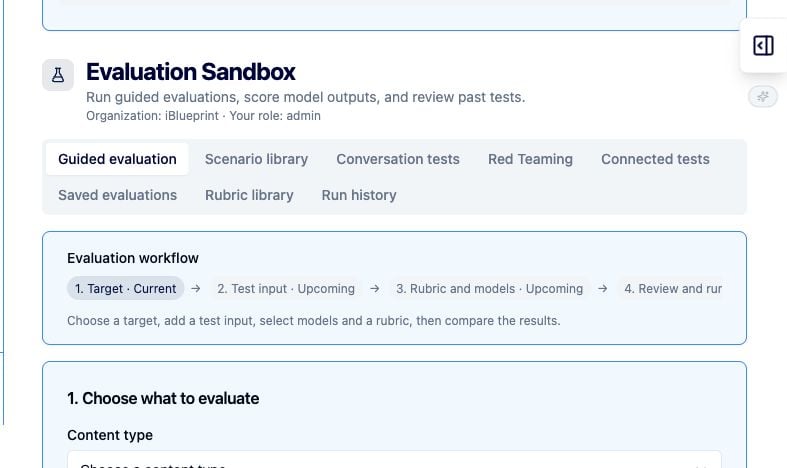
Run a guided evaluation
- Enter the System Prompt and required Test input.
- Choose an existing rubric, or create scoring criteria in the rubric library.
- Select Change AI connection or model and choose the model connection to test.
- Use Advanced parameters when you need generation controls.
- Review the test count and select Run tests.
- Review the results, record observations, and save useful inputs as scenarios when the action becomes available.
Reuse evaluation assets
- Use Scenario library for reusable inputs.
- Use Conversation tests for multi-turn behavior.
- Use Red Teaming for adversarial testing.
- Use Connected tests for integrated workflows.
- Use Saved evaluations and Run history to revisit repeatable tests.
- Use Rubric library for reusable scoring criteria.
Evaluation checklist
- Test the normal case, incomplete inputs, and edge cases.
- Use synthetic or approved data.
- Record the model connection and rubric used.
- Treat failures as signals to refine instructions, validation, or permissions.
- Do not promote an evaluation result to production without the organization’s approval process.